> For the complete documentation index, see [llms.txt](https://upgrade-platform.gitbook.io/upgrade-documentation/llms.txt). Markdown versions of documentation pages are available by appending `.md` to page URLs; this page is available as [Markdown](https://upgrade-platform.gitbook.io/upgrade-documentation/6.6/importing-and-exporting-items.md).
# Importing and Exporting Items
## Import and Export User Guide
### Overview
There are 4 primary datatype entities you'll deal with in UpGrade: **Experiments**, **Feature Flags**, **Segments**, and **Lists**. Each can be exported as JSON objects that can be imported into different environments or saved as backup for future use.
In the UpGrade UI all exports/imports utilize the a common interface and follow same common patterns:
* **Export** entities as JSON files for backup or to move from a test environment to production
* **Import** entities from JSON files to quickly replicate configurations across environments
* **Validate** imported files to ensure compatibility before applying changes
* **Bulk export/import** multiple entities simultaneously
***
### Exporting Entities
#### How to Export
Each entity type provides export functionality through menu options in the platform:
**Navigate** to the list view for the entity type you want to export (Experiments, Feature Flags, Segments, or Lists) and find export option. Some items, like Lists, can be exported in bulk.\
\

#### Export File Format
Exported files are JSON documents containing a data object that represents the entity being exported.
**Single Export:**
* Downloads as a single `.json` file with the entity name
**Multiple Exports:**
* Downloads as a `.zip` file containing multiple JSON files
***
### Importing Entities
#### How to Import
1. **Navigate** to the table view for the entity type you want to import
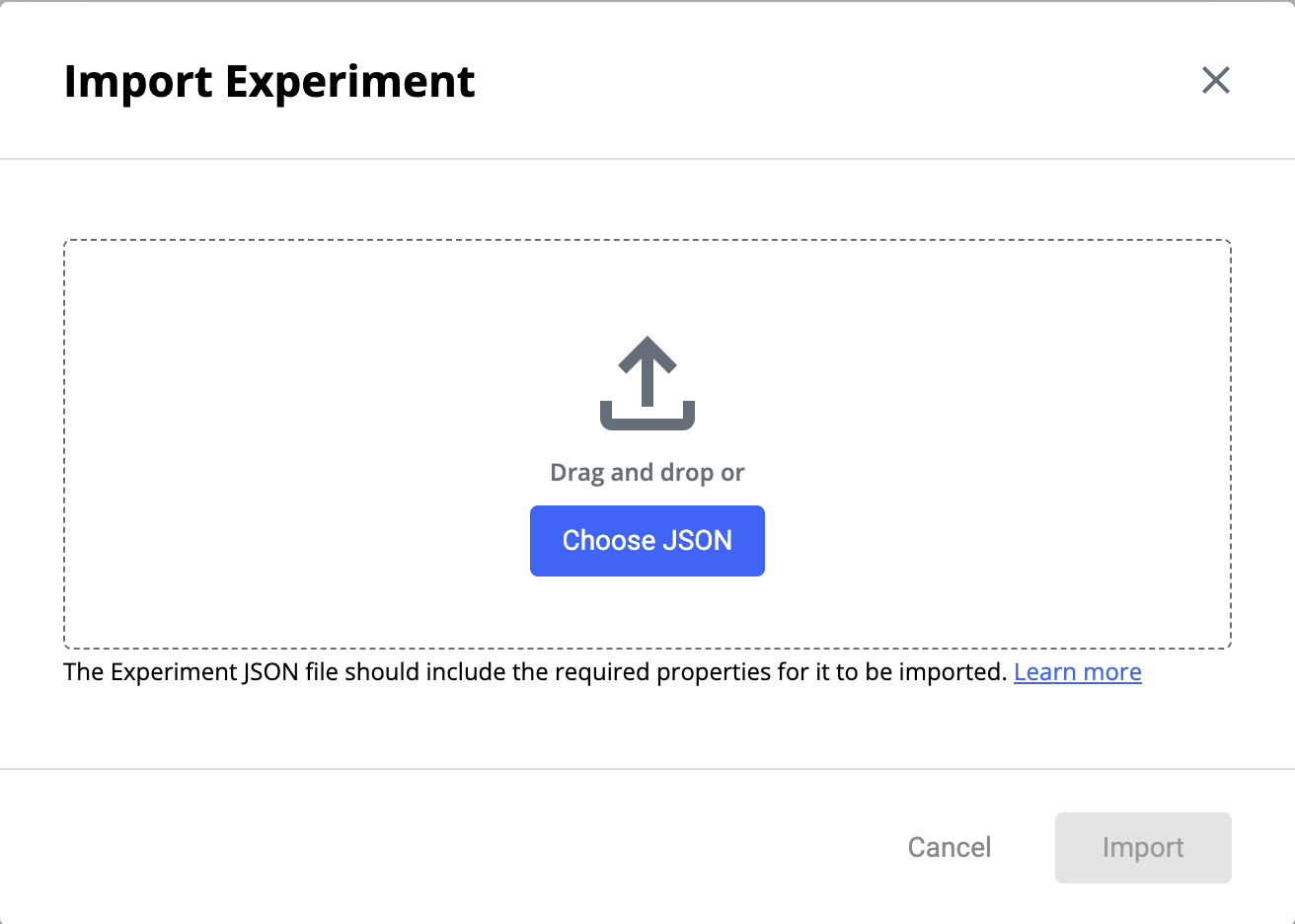
2. **Click** the vertical dots icon for import menu option to open the Import Modal\

3. **Select or drag** your JSON file(s) into the modal (multiple files of same type is supported)\
4. **Review** the validation results in the results table\

5. **Click Import** to proceed with compatible or warning-level files.
{% hint style="warning" %}
Some values will change during import. For all entities, know that:
\
\- `id` UUIDs and associated objects and their metadata will be regenerated\
\
\- Various state-related fields will typically be reset to default inactive or disabled states.\
\
\- For all entities, lists added directly within an experiment, flag, or segment will be exported with the design and will be recreated on import.\
\
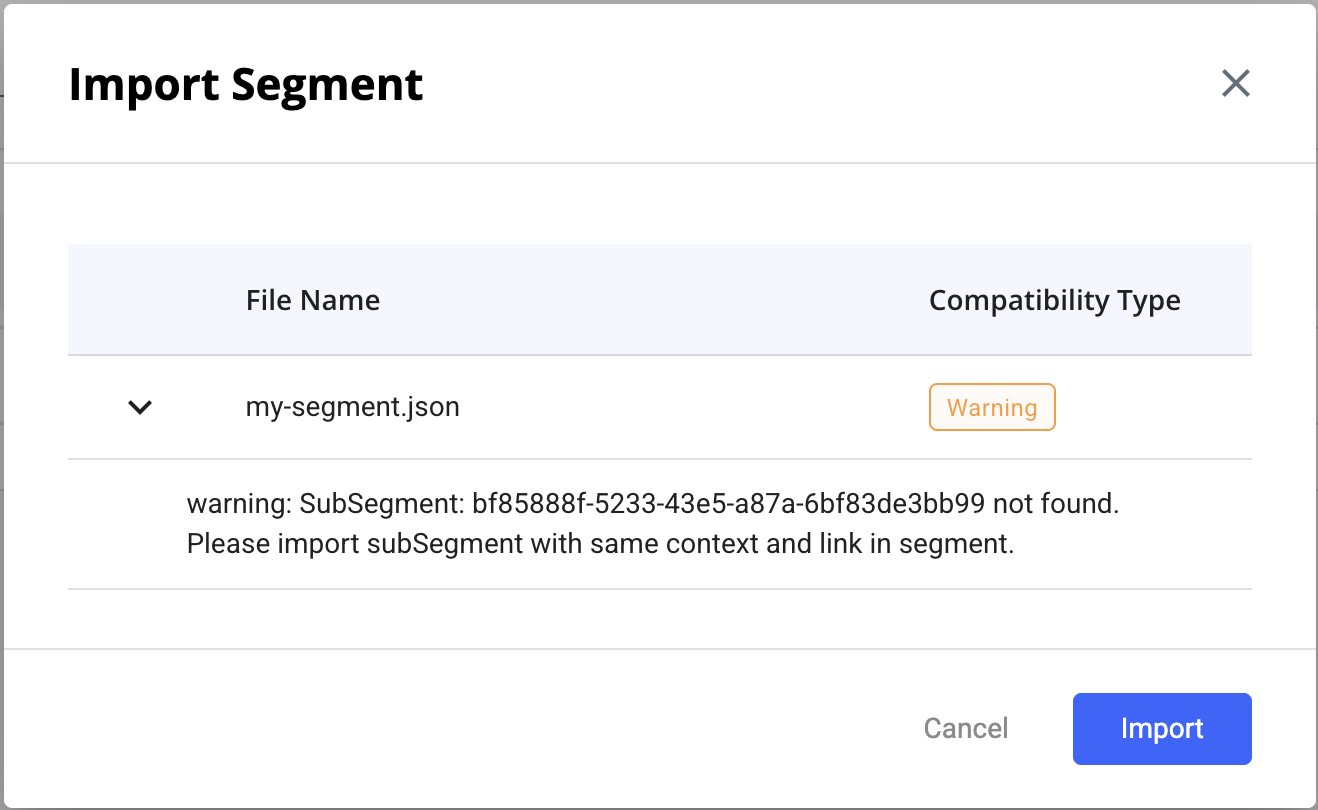
However, while id references to public segments (or segment references within lists) will be exported, they do not get recreated if importing into a new environment. If UpGrade sees unknown segment ids, you may see a warning like this:\
\
{% endhint %}
####
####
#### Compatibility Types
The validation process returns one of three compatibility types:
**✅ Compatible**
The JSON properties for the entity type are valid and match the current backend version. The file can be safely imported without issue.
**⚠️ Warning**\
\
There are a couple cases where UpGrade will say "Warning", which means it passes validation and will be able to be successfully recreated, but may need some still need attention to get it functioning as desired.\
\
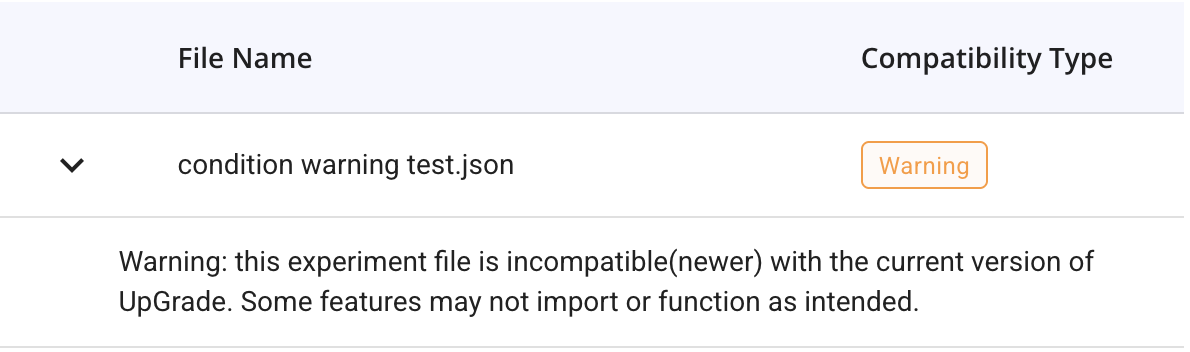
1\. There is a mismatch in versions. Likely will work fine, but make sure to verify things are working as expected.
\
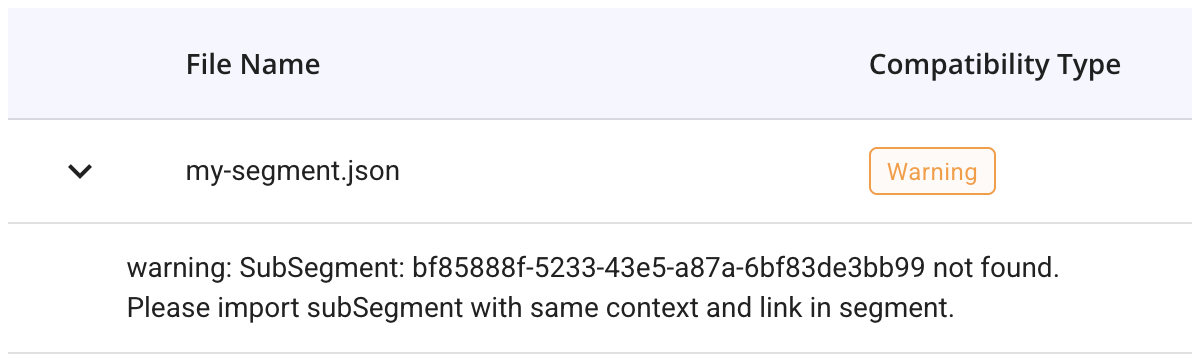
2\. There are unknown "sub-segment" references. Lists that are created directly within an entity will actually export with it, and be recreated on import. But if lists that contain "subsegment" ids to public segments created outside of the entity and it doesn't exist in the new environment it's being imported into, you may see this warning.\
\
This just means that the segment it's referring to will need to be separately exported and imported into the new environment as well, and then re-added.
**❌ Incompatible**
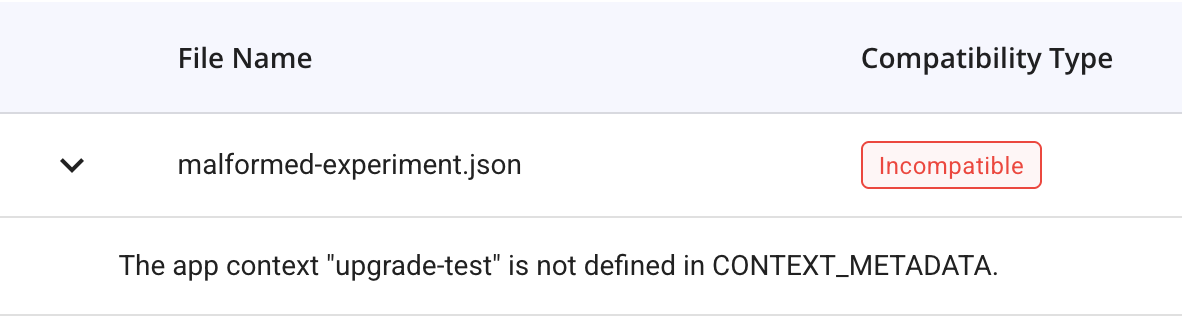
The file fails validation and cannot be imported. Critical required fields are missing or invalid. There should be a message explaining what couldn't be understood; be aware this could be a very technical message and not as clear as in the picture. It is trying its best to sound human.
**What this means:**
* JSON parsing failed
* Required fields are missing
* Field types are incorrect
* Schema validation failed
**Common causes:**
* Corrupted or manually edited JSON file
* File datatype is being imported into wrong place
* Major version incompatibility
* Missing required relationships (e.g., invalid context)
#### Mixed Compatibility Imports
When importing multiple files with different compatibility statuses:
* Files with **Compatible** or **Warning** status can be imported
* Files with **Incompatible** status will be skipped
* A warning message displays if some files will be skipped
* The Import button remains enabled if at least one file is compatible

 4. **Review** the validation results in the results table\